
DIY Word Clock - 3D Printed
This 3D printable Word Clock displays the time in full sentences by lighting up the hidden words in amongst the jumble of letters. It also features a replaceable and customisable clock face so you can add your own design flair to your project.
It can be printed and assembled over a weekend.
List of items used in this project and where to find them:
(As an Amazon Associate I earn from qualifying purchases.)
- Arduino Uno: http://geni.us/ArduinoUno
- Adafruit Neomatrix: http://geni.us/AdafruitNeomatrix
- Coloured wires: http://amzn.to/2IDIU6D
- DS3231 Real Time Clock: https://geni.us/DS3231-RTC
- Resistors: http://amzn.to/2HTmLA2
- PLA Filament: https://geni.us/PLAFilament
==========
Download 3D printable parts: https://www.thingiverse.com/thing:3028623
Code is available here: https://www.electromaker.io/project/view/word-clock-customisable-and-easy-to-build
Circuit diagrams: https://www.thingiverse.com/thing:3028623
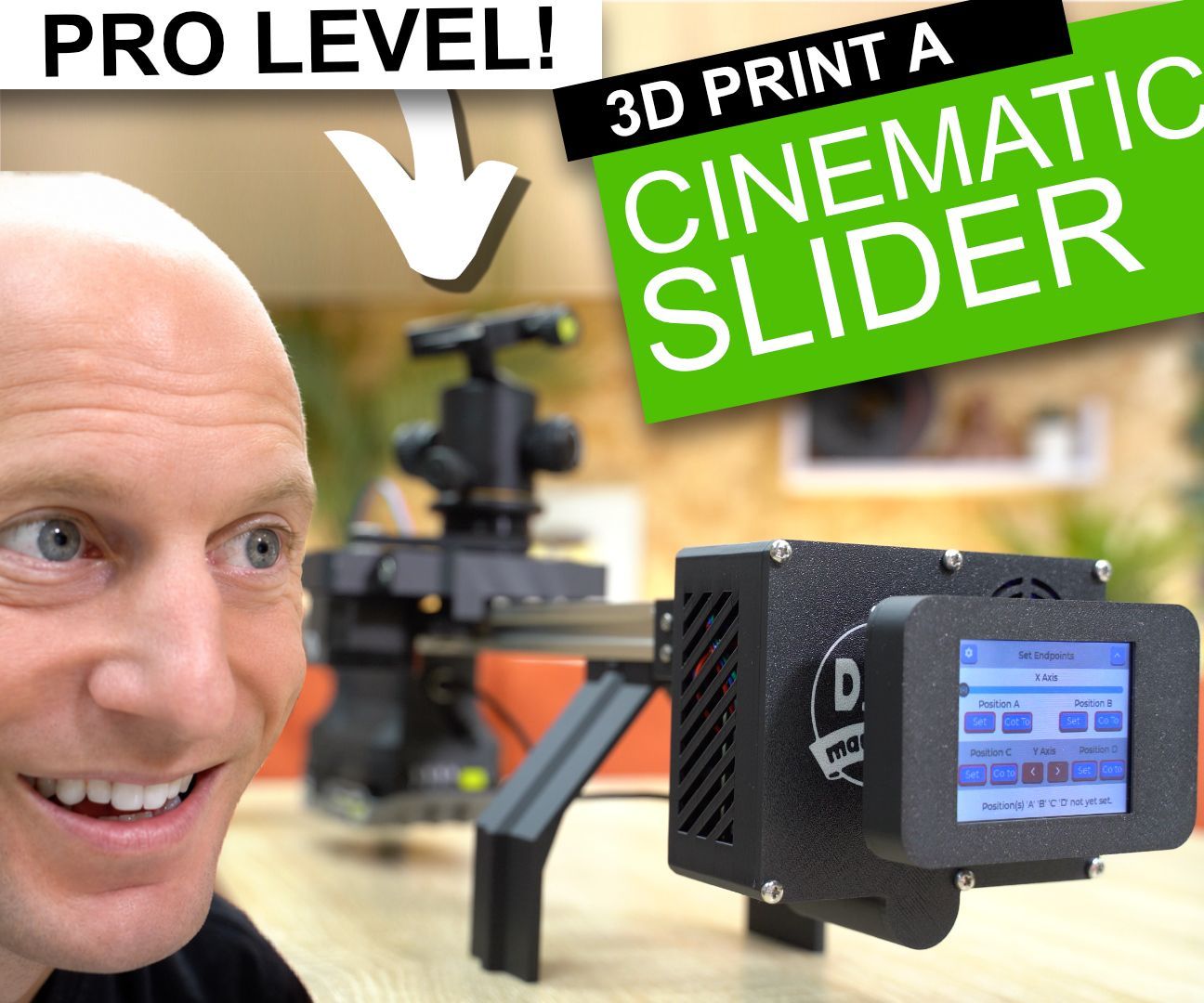
The Ultimate 3D Printed Robotic Camera Slider (Step-by-Step Guide)

In this video, I’ll show you how to set up sensorless homing using a TMC2209 stepper driver — no mechanical limit switches required! Perfect for 3D printers, CNC machines, robotics, and other DIY electronics projects. I’ll guide you through the wiring, Arduino code, and how to tune StallGuard for accurate, reliable homing. Whether you’re building a CoreXY, a custom motion control system, or just want to learn more about stepper motor drivers, this is a great place to start. Let’s build smarter! Why would we want to use sensorless homing? Well first the Pros…. There’s no need for extra mounts, additional components or running long dangling cables to one or both ends of the carriage or other moving component. And there are always cons, so in this case you’ll need a stallguard-capable driver (they cost a little more and are only manufactured by Trinamic) and accuracy isn’t great at slow speeds.
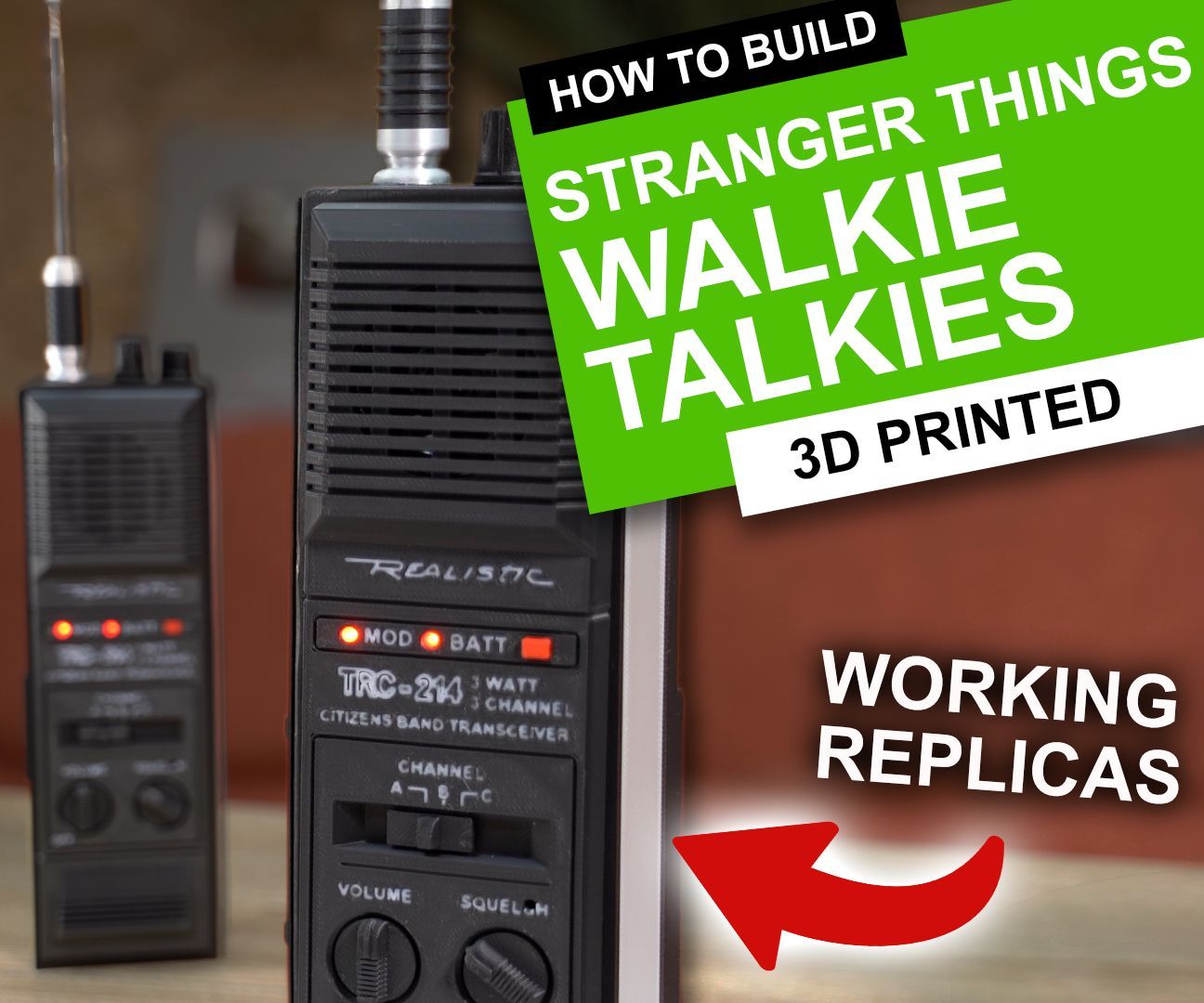
I Recreated the Stranger Things Walkie-Talkies (THEY ACTUALLY WORK)
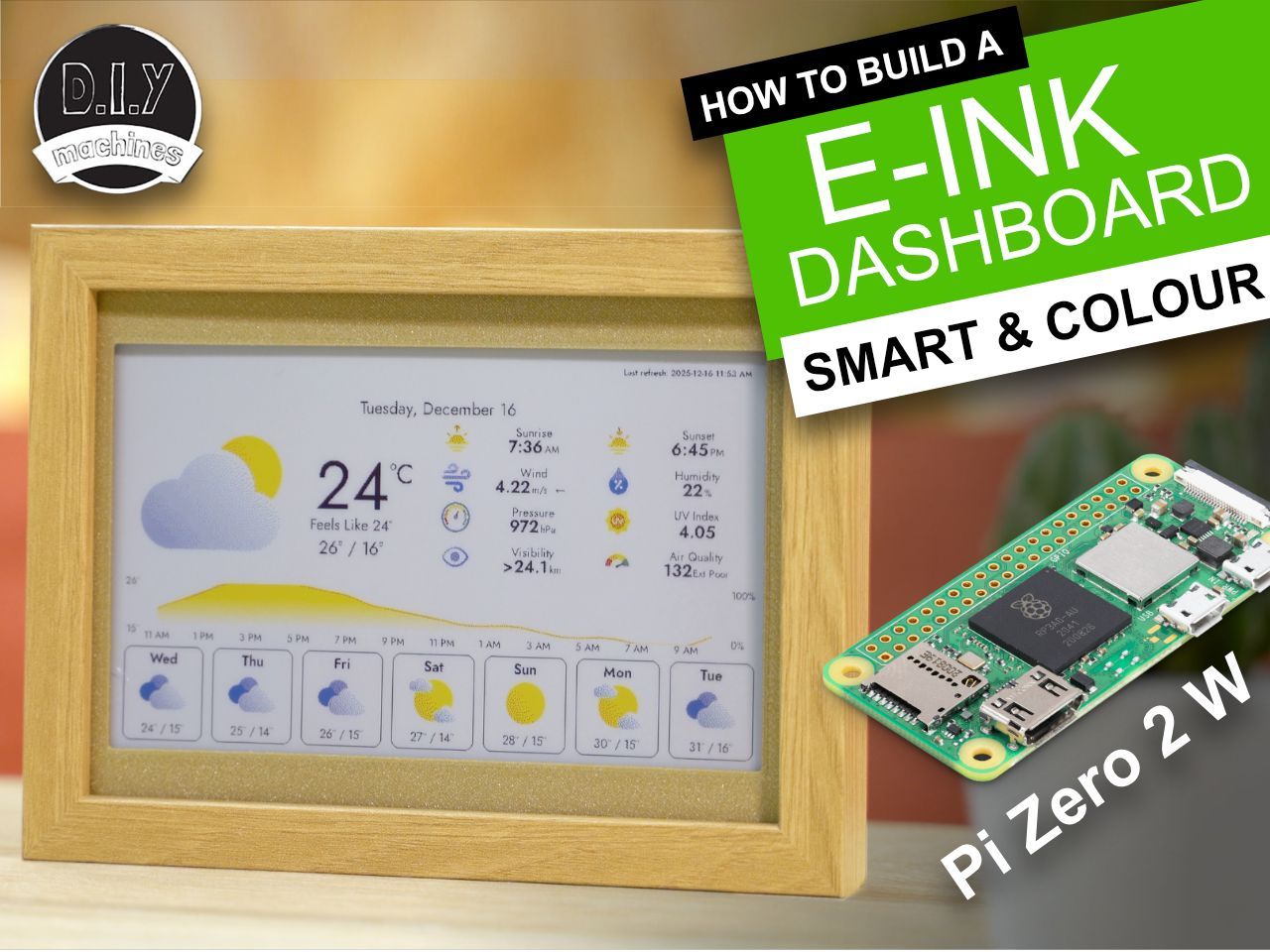
How to build your own colour e-ink paper display smart dashboard. Powered by Raspberry Pi Zero 2 W you can show weather, photos, calendars, GitHub stats and more.
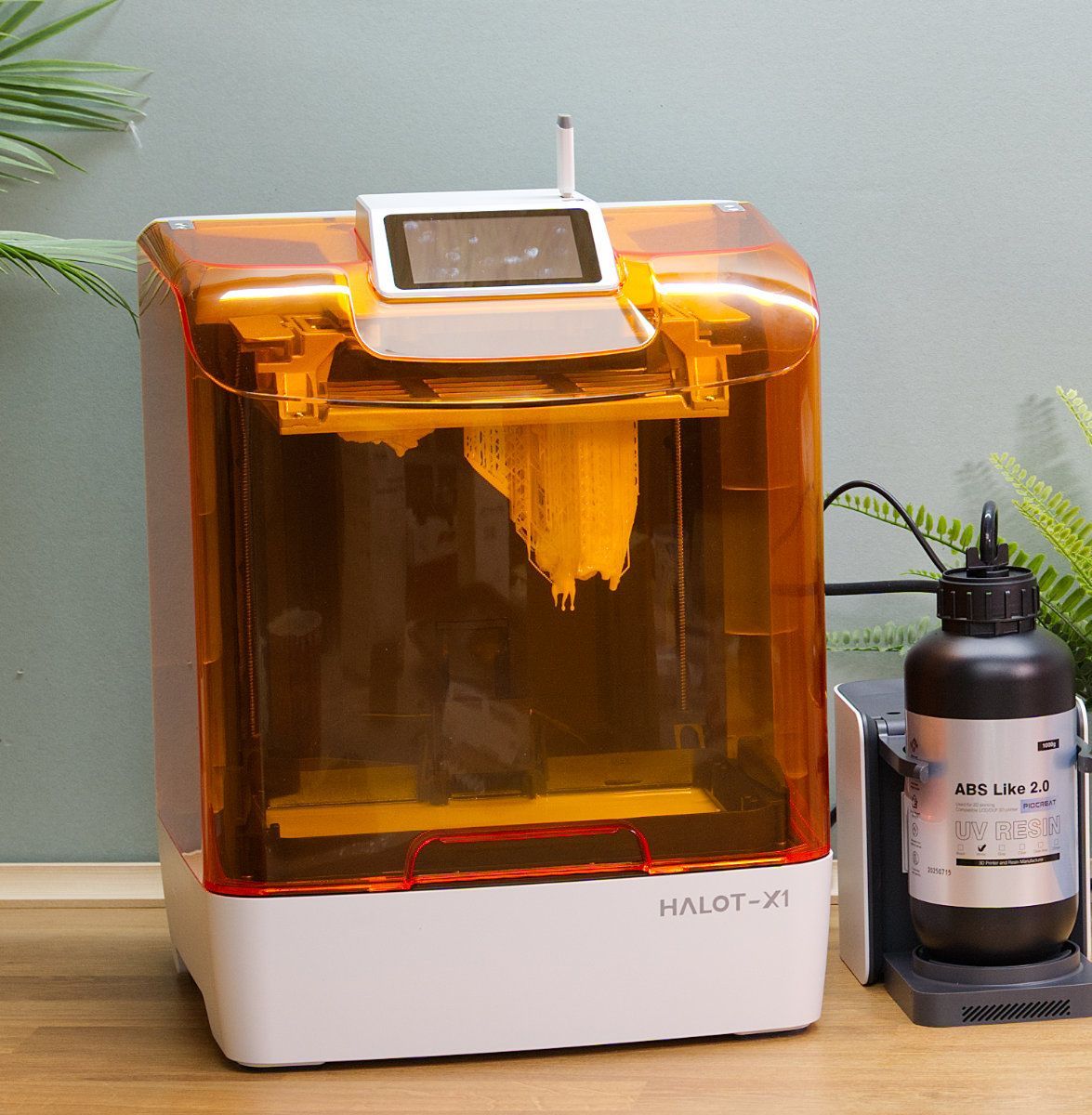
PioCreat HALOT-X1 10.1” 16K Resin Printer Review
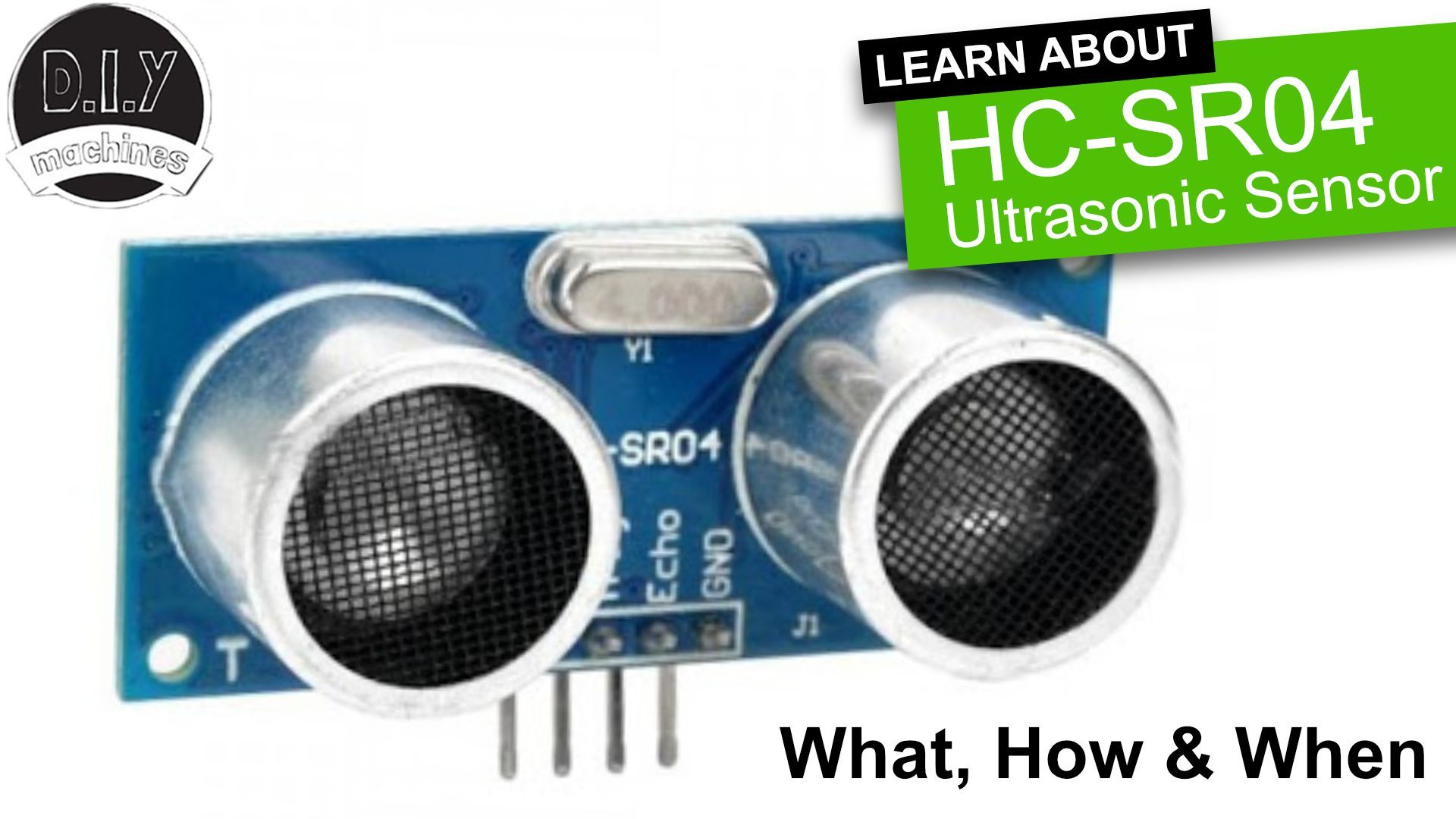
In this guide, I’ll show you how to use the HC-SR04 ultrasonic sensor to measure distances and detect objects using an Arduino or another microcontroller.

Elegoo Mars 5 Ultra - 7" 9k AI Resin Printer

3D Print and add some Resin to create some amazing pieces of stained 'glass'.

My Patreons sent in some questions.
Because I'd asked them to do this - I thought I'd better write out answers....

CRAZY COASTERS with a TWIST! Laser or 3D Print some DIY Magic.